Smart contracts often need access to information provided by the blockchain itself. For example, a contract may need to know who is calling a function, what its own address is, or the current blockchain time in order to enforce access control, track activity, or implement time-based logic.
On the Internet Computer, this kind of system-level information is exposed through System APIs. In Rust canisters, System APIs are accessed through the ic_cdk::api module:
use ic_cdk::api;
In this chapter, we’ll explore the most commonly used System APIs and see how they map to familiar Solidity concepts. Specifically, we’ll learn how to:
- Identify who is calling a canister function using
msg_caller(), - retrieve the canister’s own principal with
canister_self(), and - work with blockchain time using
time().
To follow along with the examples in this chapter, create a new Rust canister project called system_api to follow along the code examples.
dfx new system_api --type rust --no-frontend
Using msg_caller() to Identify the Caller
msg_caller() (like Solidity’s msg.sender) returns the Principal of the function caller.
To use msg_caller import it from the ic_cdk::api module. Also, import Principal from the candid crate:
use ic_cdk::api::msg_caller; // import msg_caller
use candid::Principal;
msg_caller()’s usage is demonstrated in the newly added function get_msg_caller() below, which simply returns the Principal of the caller.
use ic_cdk::api::msg_caller; // import msg_caller
use candid::Principal;
// New Function
#[ic_cdk::query]
fn get_msg_caller() -> Principal {
msg_caller()
}
Now, deploy the canister and call get_msg_caller() from the Candid UI. Since the call is made without an authenticated identity, the returned value will be the anonymous principal (2vxsx-fae).
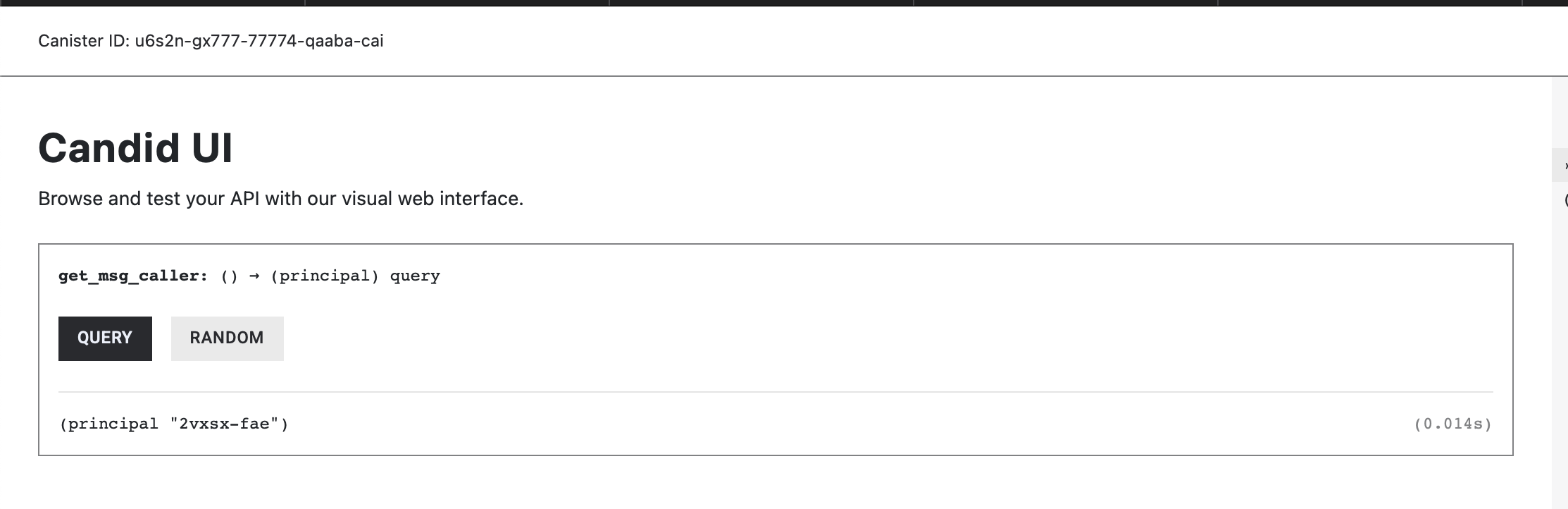
Every call carries a principal. If the message isn’t signed, the system assigns the anonymous principal 2vxsx-fae as the caller’s principal and skips signature verification. You must decide whether to accept anonymous calls. If not, reject them explicitly:
Storing the Last Caller’s Principal
So far, we’ve used msg_caller() to read the principal of the caller for a single function call. In many real-world canisters, however, we also want to store this information in the canister’s state—for example, to track who last interacted with the contract or to implement access-control logic.
Let’s look at a simple example that records the principal of the last caller and exposes it through a query function.
The example below defines a thread-local state variable, LAST_CALLER, which stores a Principal. By default, it is set to the anonymous principal. The set_last_caller() update function records the principal of the current caller, and the get_last_caller() query function returns the stored value.
use candid::Principal;
use ic_cdk::api::msg_caller;
use std::cell::RefCell;
// Thread-local state to store the last caller's Principal.
// Initialized with the anonymous principal.
thread_local! {
static LAST_CALLER: RefCell<Principal> = RefCell::new(Principal::anonymous());
}
// Update function: Records the caller's principal in LAST_CALLER.
#[ic_cdk::update]
fn set_last_caller() {
// with_borrow_mut() gives mutable access to the RefCell contents.
LAST_CALLER.with_borrow_mut(|cell| {
// * writes the new principal into the stored value.
*cell = msg_caller();
});
}
// Returns the stored caller principal
#[ic_cdk::query]
fn get_last_caller() -> Principal {
// with_borrow() gives immutable access to the RefCell contents.
LAST_CALLER.with_borrow(|cell| {
// clone() is needed because Principal is not Copy.
cell.clone()
})
}
ic_cdk::export_candid!();
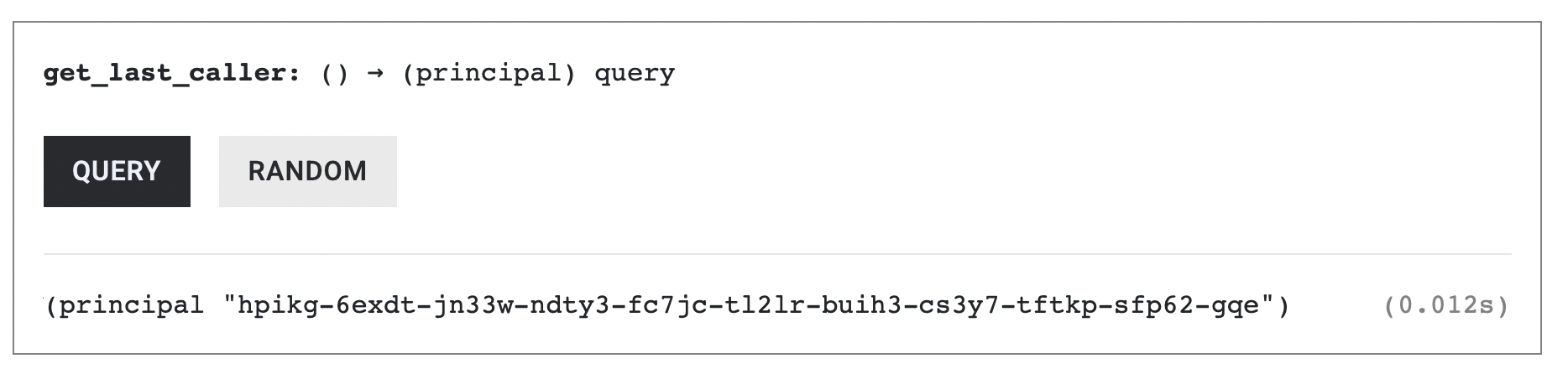
Calling set_last_caller from the Candid UI records the anonymous principal. Calling it from dfx records your developer identity principal.
Let’s try calling set_last_caller from dfx.
dfx canister call system_api_backend set_last_caller
Then verify that your developer identity principal was recorded:
dfx canister call system_api_backend get_last_caller
The LAST_CALLER’s value would be the principal of dfx’s developer identity. We could also re-confirm it through the Candid UI:
Rejecting Anonymous Callers
In the previous example, we stored the principal of the last caller without distinguishing between authenticated and anonymous calls. While this works for demonstration purposes, the real-world canisters should only allow state changes from authenticated identities.
Let’s refine our example by rejecting anonymous callers and only updating the stored principal when the call is signed.
The set_last_caller() function below implements a conditional check that updates the stored principal only if the caller is not anonymous.
use candid::Principal;
use ic_cdk::api::msg_caller;
use std::cell::RefCell;
thread_local! {
static LAST_CALLER: RefCell<Principal> = RefCell::new(Principal::anonymous());
}
#[ic_cdk::update]
fn set_last_caller() {
// NEW CONDITIONAL CHECK
if msg_caller() != Principal::anonymous() {
// Only allow authenticated identities to change the state
LAST_CALLER.with_borrow_mut(|cell| *cell = msg_caller());
}
}
#[ic_cdk::query]
fn get_last_caller() -> Principal {
LAST_CALLER.with_borrow(|cell| cell.clone())
}
ic_cdk::export_candid!();
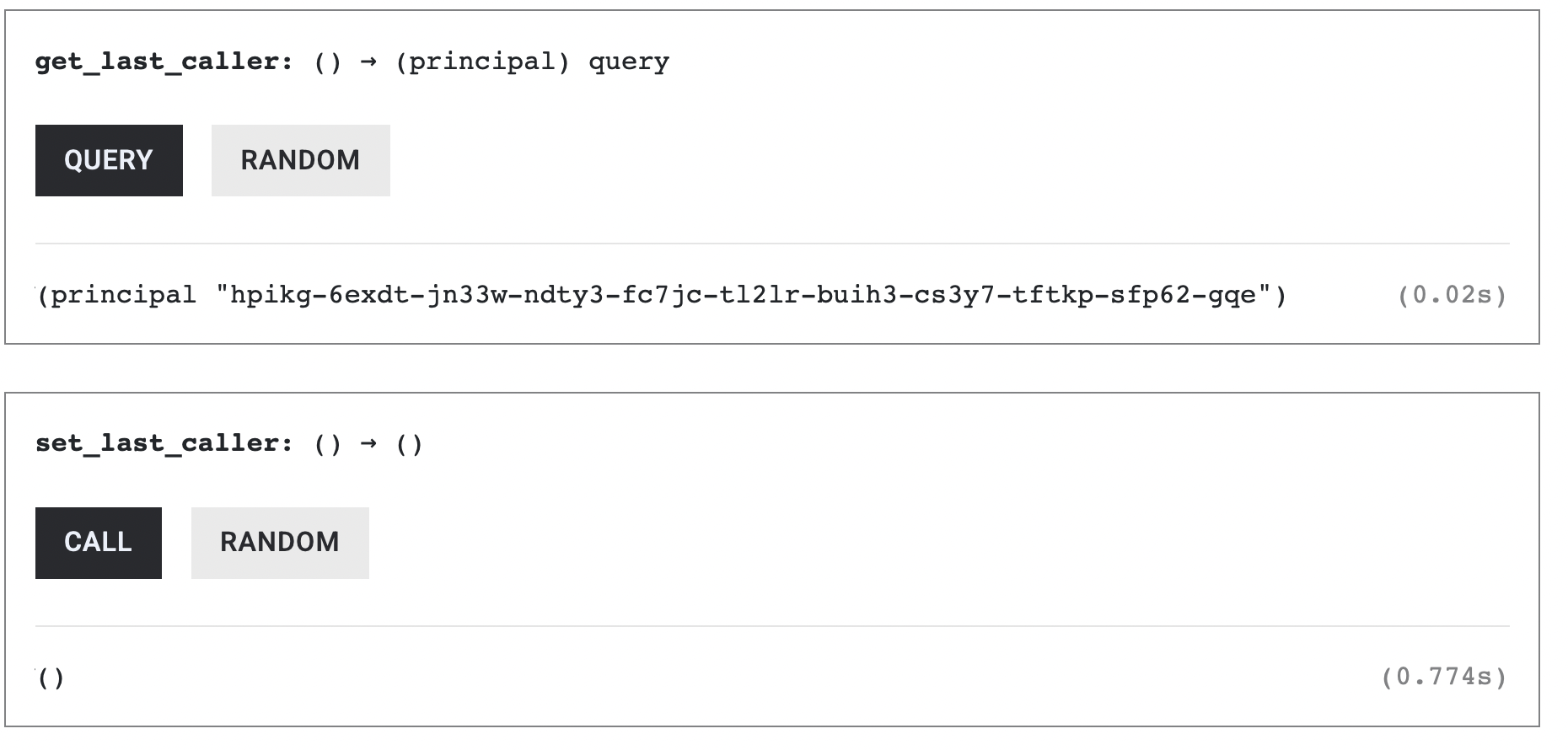
First, call set_last_caller() from dfx, using the command below:
dfx canister call system_api_backend set_last_caller
This will sends the request using an authenticated identity and updates LAST_CALLER with your developer principal.
Next, call set_last_caller() from the Candid UI, which sends an unauthenticated request. You’ll observe that this call is ignored and does not update LAST_CALLER.
Initializing an Owner with the Deployer’s Principal
So far, we’ve used msg_caller() to identify who is calling a canister function and to control which callers are allowed to modify state. A common next step in many smart contracts is to assign an owner—an identity that has special permissions, such as updating configuration or managing access control.
Ownership is typically established at deployment time by recording the principal of the canister deployer. Let’s see how to initialize an owner using the deployer’s principal.
Clear out lib.rs and declare a static RefCell<Principal> initialized with the zero address.
use std::cell::RefCell;
use candid::Principal;
use ic_cdk::api::msg_caller;
thread_local! {
static OWNER: RefCell<Principal> = RefCell::new(Principal::anonymous());
}
Next, add a constructor with #[ic_cdk::init] that sets OWNER to msg_caller().
use std::cell::RefCell;
use candid::Principal;
use ic_cdk::api::msg_caller;
thread_local! {
static OWNER: RefCell<Principal> = RefCell::new(Principal::anonymous());
}
// NEW CODE HERE
#[ic_cdk::init]
fn init() {
OWNER.with_borrow_mut(|cell| *cell = msg_caller());
}
Lastly, add the get_owner() function. Since Principal is a non-copy type, returning it uses .clone().
use candid::Principal;
use ic_cdk::api::msg_caller;
use std::cell::RefCell;
thread_local! {
static OWNER: RefCell<Principal> = RefCell::new(Principal::anonymous());
}
#[ic_cdk::init]
fn init() {
OWNER.with_borrow_mut(|cell| *cell = msg_caller());
}
// NEW CODE HERE
#[ic_cdk::query]
fn get_owner() -> Principal {
OWNER.with_borrow(|cell| cell.clone())
}
ic_cdk::export_candid!();
Make sure that your dfx CLI is configured to using an identity instead of the anonymous principal:
dfx identity whoami
You can change which identity dfx is using through the command dfx identity use <Identity-Name>.
Run the following commands to update the .did file and trigger the deployment:
generate-did <Canister_name> && dfx deploy
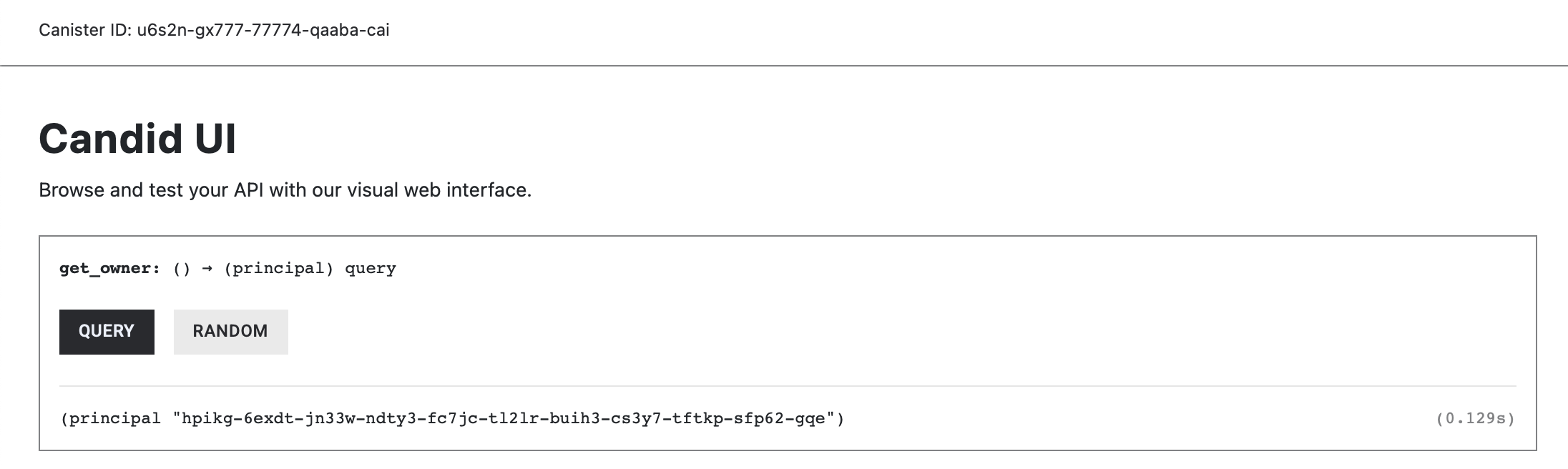
get_owner() should return the principal of the identity that we deployed the contract with.
Using canister_self() to Get Canister’s Principal"
The canister_self() is similar to address(this) in Solidity. In the code below, the get_self function returns the canister’s principal using canister_self():
use candid::Principal;
use ic_cdk::api::canister_self;
// NEW CODE HERE
#[ic_cdk::query]
fn get_self() -> Principal {
canister_self()
}
ic_cdk::export_candid!();
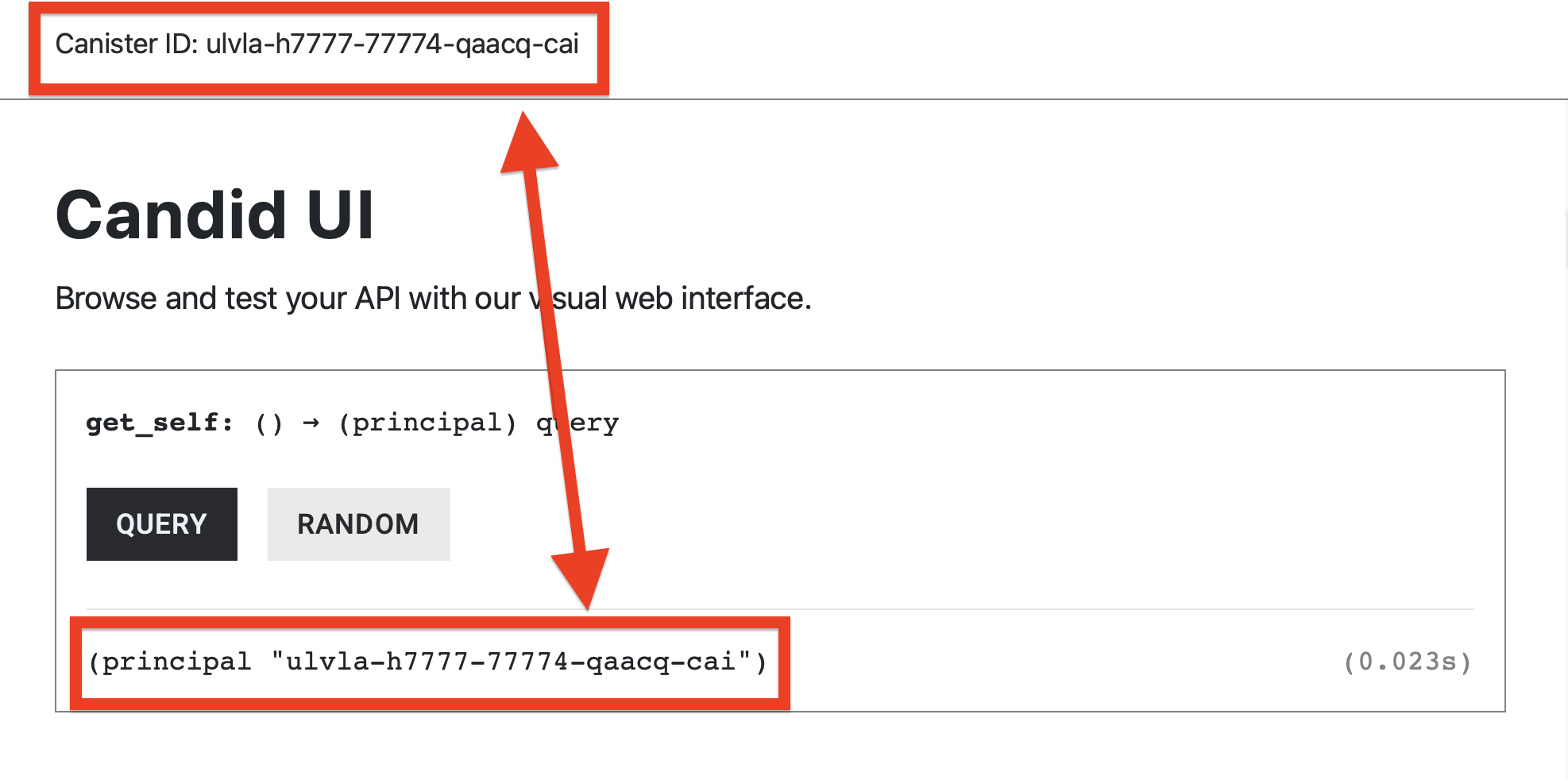
Deploy the canister and generate the candid interface. Then, call the get_self() from the Candid UI. You should expect that at the top left, your Canister ID matches the function output.
System time: time()
The system APIs we have interacted with have been related to identity—who is calling a function and which principal owns the canister. Another important piece of system-provided context is time. Many canisters rely on timestamps to record when events occur, enforce deadlines, or implement time-based logic.
In ICP, the time() system API is conceptually to block.timestamp in Solidity, except that Solidity returns seconds since the Unix epoch (January 1, 1970), while ICP returns nanoseconds since the Unix epoch.
Here a simple example of a function returning time():
use ic_cdk::api::time;
#[ic_cdk::query]
fn get_current_time() -> u64 {
time()
}
ic_cdk::export_candid!();
The time() call always returns u64 number. A raw result may look like this:
1754482914748072001
To convert this timestamp into a human-readable format, you’ll need to use an external time crate.
Converting time() into a Human-Readable Timestamp
To convert the raw timestamp into a human-readable format, we first need to add an external dependency.
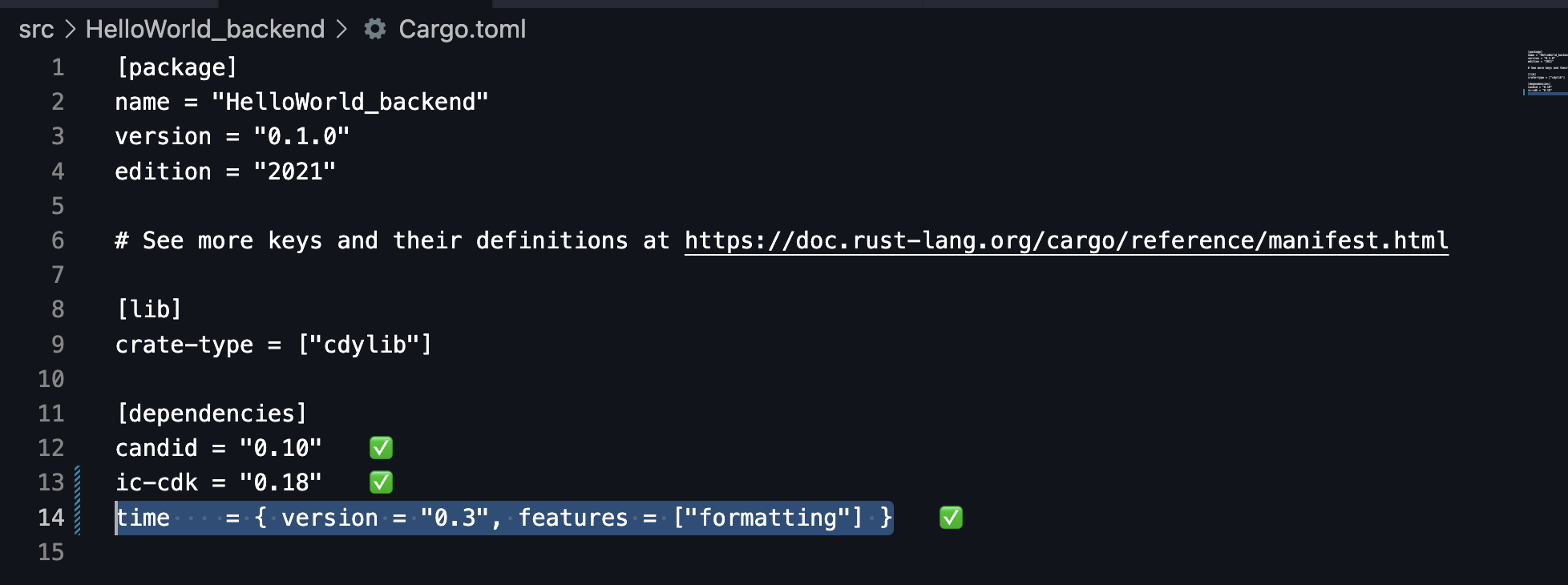
Open your Cargo.toml file and add the following line to the [dependencies] section. This will imports the time crate, which provides date and time formatting utilities.
time = { version = "0.3", features = ["formatting"] }
With the dependency added, the next step is to import the time crate into your Rust canister code. Specifically, we’ll use the OffsetDateTime type, which allows us to convert a Unix timestamp into a human-readable date and time in string format:
use time::OffsetDateTime;
The function, get_human_readable_time() below converts the raw time() value into a human-readable date and time using the OffsetDateTime method.
use ic_cdk::api::time;
use time::OffsetDateTime;
#[ic_cdk::query]
fn get_human_readable_time() -> String {
OffsetDateTime::from_unix_timestamp_nanos(time() as i128)
.unwrap()
.to_string()
}
ic_cdk::export_candid!();
Code Snippet Explanation
OffsetDateTime::from_unix_timestamp_nanos(time() as i128)returns aResult, which is a type that represents either successOkwith a value or failureErrwith an error (for example, if the timestamp is invalid)..unwrap()in Rust forces that Result to give you its value — but if it’s an error, it panics and stops execution. Finally,.to_string()converts the extracted value into a human-readable String output.
An example result from get_human_readable_time():
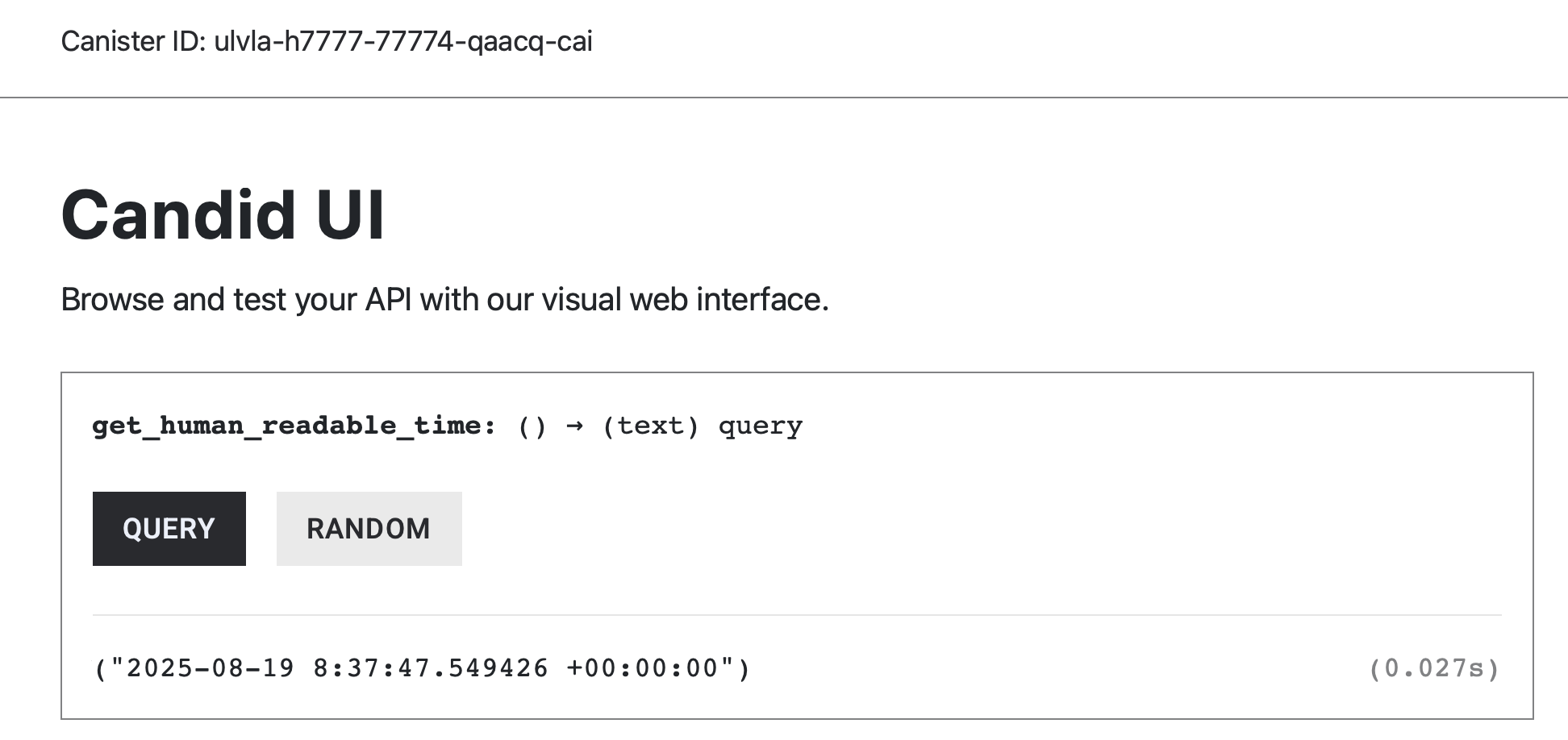
The date format is:
YYYY— 4-digit yearMM— 2-digit monthDD— 2-digit dayHH— 24-hour format hourMM— minutesSS— seconds.ffffff— microseconds±HH:MM:SS— UTC offset
Manipulating Timestamps: One Minute Later
You can also manipulate the timestamp by adding a duration. For example, here’s how to output one minute later than the current consensus time.
First declare a one minute constant in nano seconds.
use ic_cdk::api::time;
use time::OffsetDateTime;
// Global constants for time units in nanoseconds
const ONE_MINUTE: u64 = 60 * 1_000_000_000;
Then add ONE_MINUTE to the current time.
use ic_cdk::api::time;
use time::OffsetDateTime;
// Global constants for time units in nanoseconds
const ONE_MINUTE: u64 = 60 * 1_000_000_000;
#[ic_cdk::query]
fn one_minute_later() -> u64 {
let current_time = time();
let one_min_later = current_time + ONE_MINUTE;
one_min_later
}
ic_cdk::export_candid!();
This returns the current Unix time + one minute (nanoseconds).
If you want to output a human readable time for one_min_later, format it using the OffsetDateTime method from the time crate and change the function return type to String.
use ic_cdk::api::time;
use time::OffsetDateTime;
// Global constants for time units in nanoseconds
const ONE_MINUTE: u64 = 60 * 1_000_000_000;
#[ic_cdk::query]
fn one_minute_later() -> String {
let current_time = time();
let one_min_later = current_time + ONE_MINUTE;
//format one_min_later
OffsetDateTime::from_unix_timestamp_nanos(one_min_later as i128)
.unwrap()
.to_string()
}
ic_cdk::export_candid!();
Wrapping up
System APIs are how a canister interacts with the IC runtime to access runtime context and system features that aren’t passed in as function arguments (for example, the caller’s identity, the current time, and cycles-related information).
Inter-canister calls are also powered by the System API. In Rust, the CDK exposes this through the Call builder, which we’ll learn in Module 4.
In the next article, we’ll cover error handling—how to return errors or trap to abort execution, and how to structure code so failures don’t leave your canister in an inconsistent state.